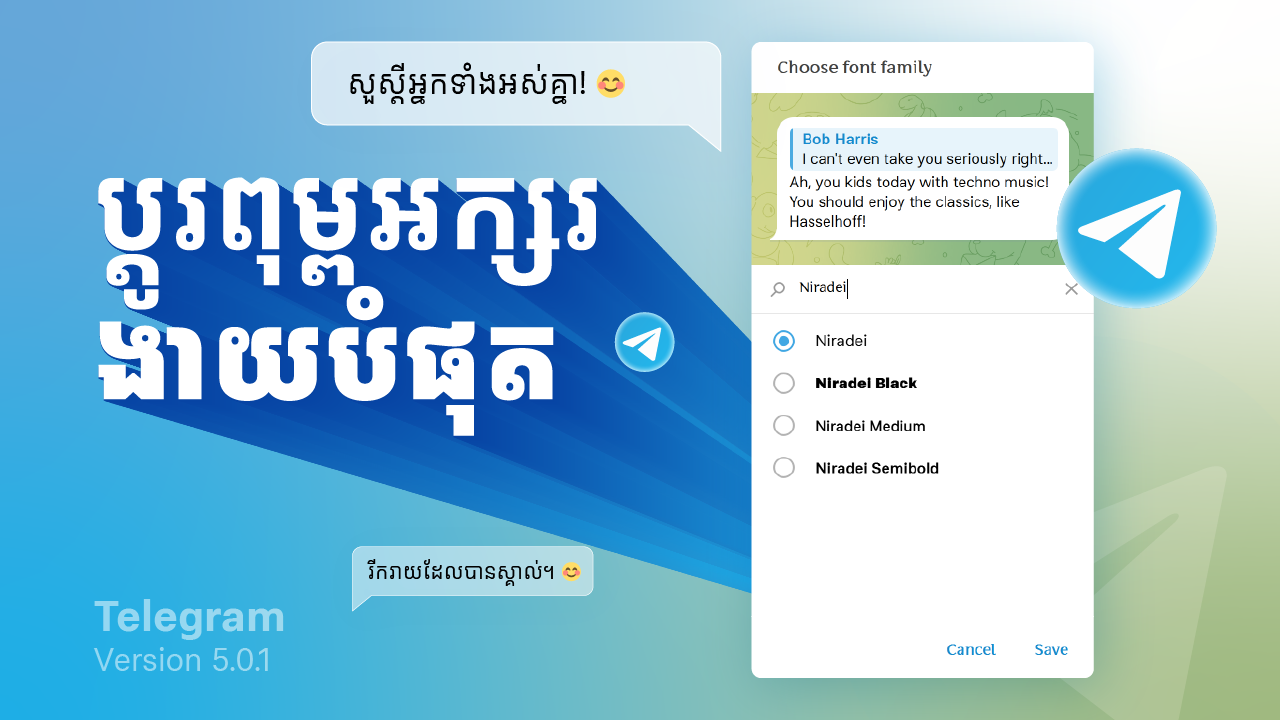
Telegram, renowned for its speed, security, and flexibility, continually enhances its features to improve user experience. One of the recent updates introduces a built-in option to change the font style, allowing users to personalize their messaging experience further. This blog post will guide you through the steps to change the font style in Telegram, desktop versions.
hanging Font Style on Telegram Desktop
Step 1: Update Telegram
Ensure you have the latest version of Telegram Desktop. You can download updates from the official Telegram website or update the app through your desktop app store.
Step 2: Open Telegram Settings
- Open the Telegram Desktop app.
- Click on the three horizontal lines (menu icon) in the top left corner to open the menu.
- Select “Settings” from the dropdown menu.
Step 3: Access Chat Settings
- In the Settings menu, click on “Chat Settings.”
- This section contains various options to customize the appearance of your chats.
Step 4: Select Your Font Style
- Look for the “Font Style” option in Chat Settings.
- Click on “Font Style” to see the available fonts.
- Choose the font style you prefer from the list provided.
Step 5: Apply and Save Changes
- After selecting your desired font style, close the settings menu.
- The new font style will be applied to your chats immediately.
Watch video guide
Additional Tips for Customizing Telegram
- Theme Customization: Along with changing the font style, you can also customize the theme in Telegram. In the Chat Settings, you can choose from various themes or create your own.
- Text Size: Adjusting the text size can enhance readability. This option is also available in the Chat Settings.
- Background Images: Personalize your chats further by adding custom background images.
Conclusion
With the new built-in feature to change font styles, Telegram offers users even more ways to personalize their messaging experience. Whether you’re using Telegram on your mobile device or desktop, adjusting the font style is a simple process that can significantly enhance the readability and aesthetic of your chats. Keep exploring Telegram’s settings to make the app truly your own!